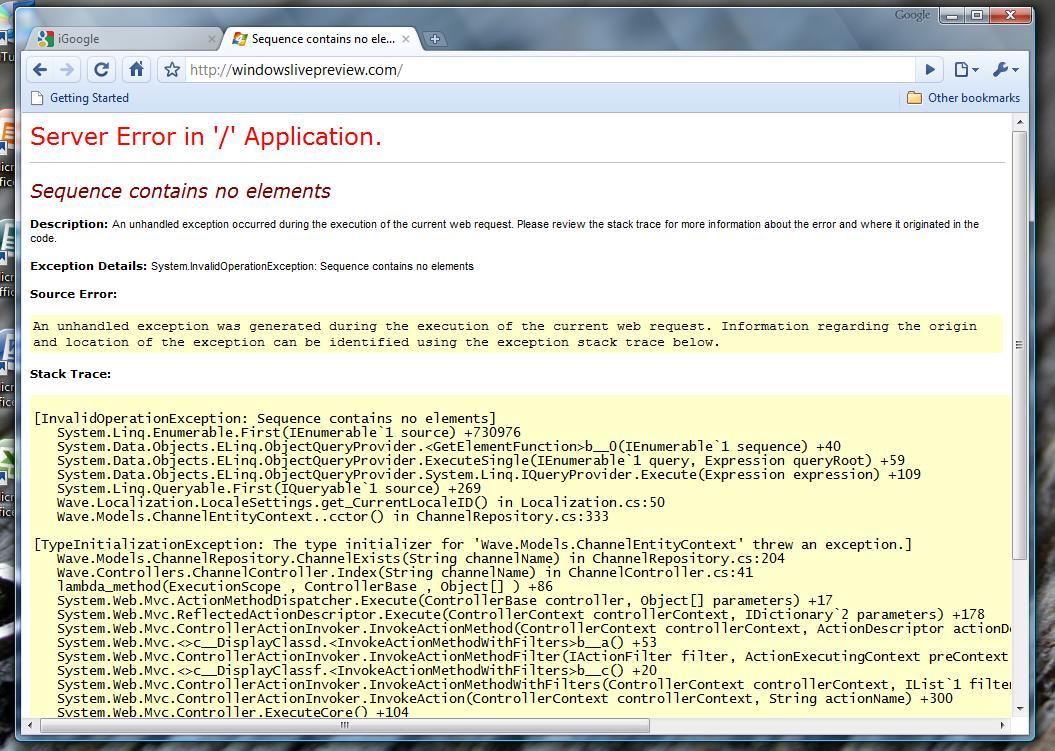
The Windows Live Wave 4 Preview has a application error, a server error, and no additional elements. Coming soon!
39. Beauty has absolutely nothing to do with appearance.
Advice for Computer Science College Students →
Joel Spolsky is rapidly becoming one of my favorite people to read:
1. Learn how to write before graduating.
2. Learn C before graduating.
3. Learn microeconomics before graduating.
4. Don't blow off non-CS classes just because they're boring.
5. Take programming-intensive courses.
6. Stop worrying about all the jobs going to India.
7. No matter what you do, get a good summer internship.
The shortest distance between any two points is a straight line...unless you create a wormhole and transcend space and time.
— Jeff Owen, Tenth Avenue North
Texas Advanced Computing Center: Resources →
These are clearly the best names for supercomputers in the world. Currently in the lineup we have Ranger, Lonestar, Stampede, and Champion, backed by data storage on Corral and Ranch, with visualization provided by Spur. I might be just a bit biased, though.

Steam Mac Beta Screenshots →
It leaked! It's real! It runs! And everyone's super-excited about this leak for some reason. Oh, and it looks exactly like the Windows Beta UI - surprise! (I am actually excited for it to drop. Or enter public beta.)
Are You A Good Christ? →
Are you a good Christian or a good Christ? Whoa.
Courage is not the lack of fear, it is acting in spite of it.
— Mark Twain (via rulesformyunbornson)